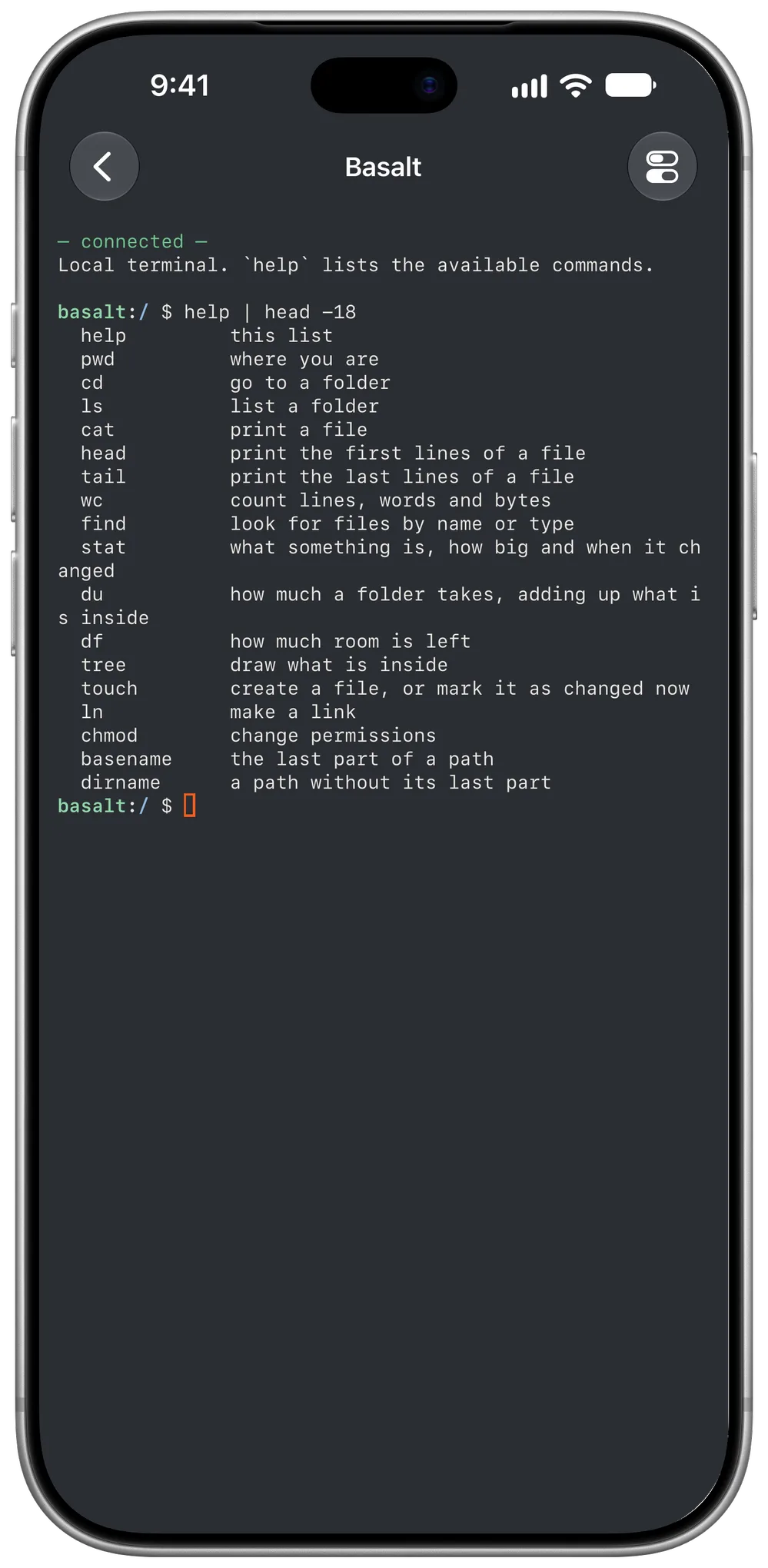
The Local tab opens terminals that need no server: they run on the device, on its folders. They are handy for preparing files, reviewing a repository or diagnosing the network.
git: clone, review changes, commit, fetch and push.
Network: ping, nc, dig, tls, whois, traceroute and wol.
SSH: ssh, scp, sftp and ssh-keygen, with your servers and your keys.
Your folders
Besides Basalt's own folder, a local terminal can open on any folder in the Files app — iCloud Drive, another app or an external drive — by choosing Existing under Folder when you create it. ssh server takes you to that server's session; ssh server uptime runs the command there and shows the output here.